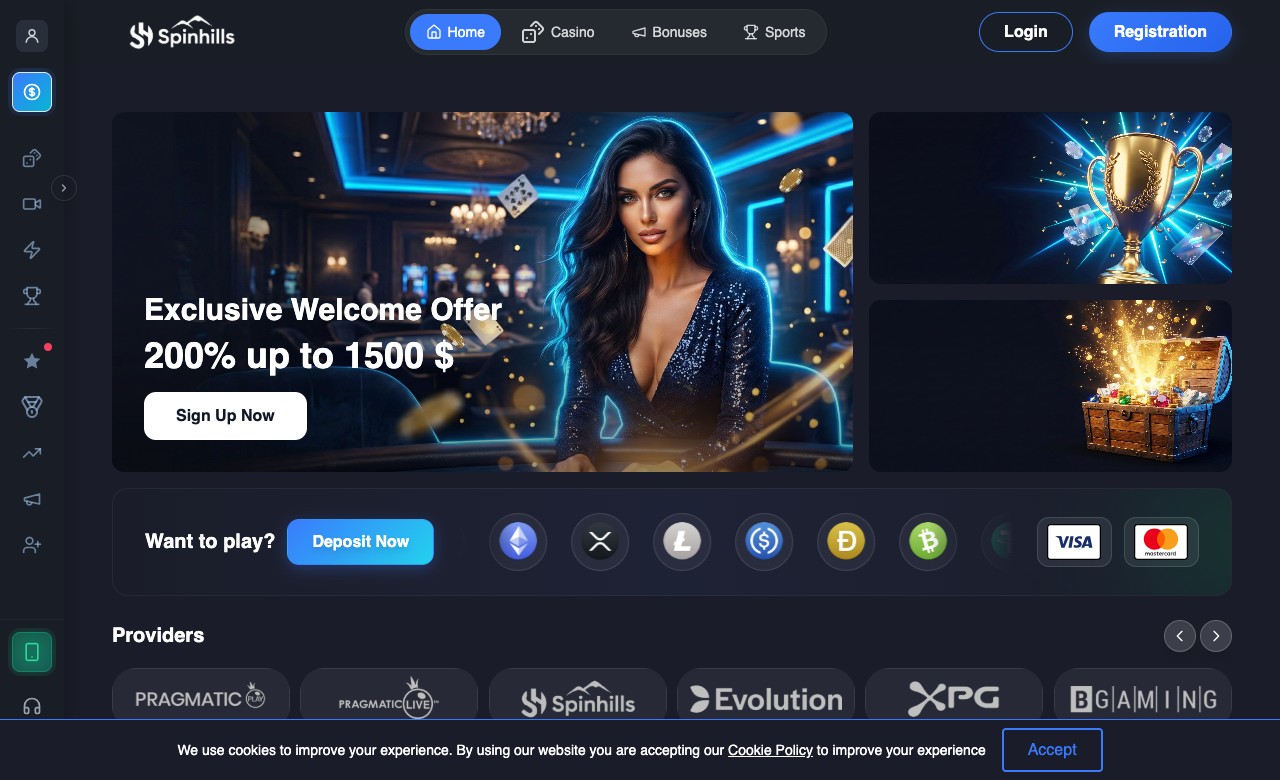
Available Now — Free
Demo
in your pocket
No app store needed. Install directly from your browser and get the full casino experience as a standalone app.
iOS · Android · Desktop
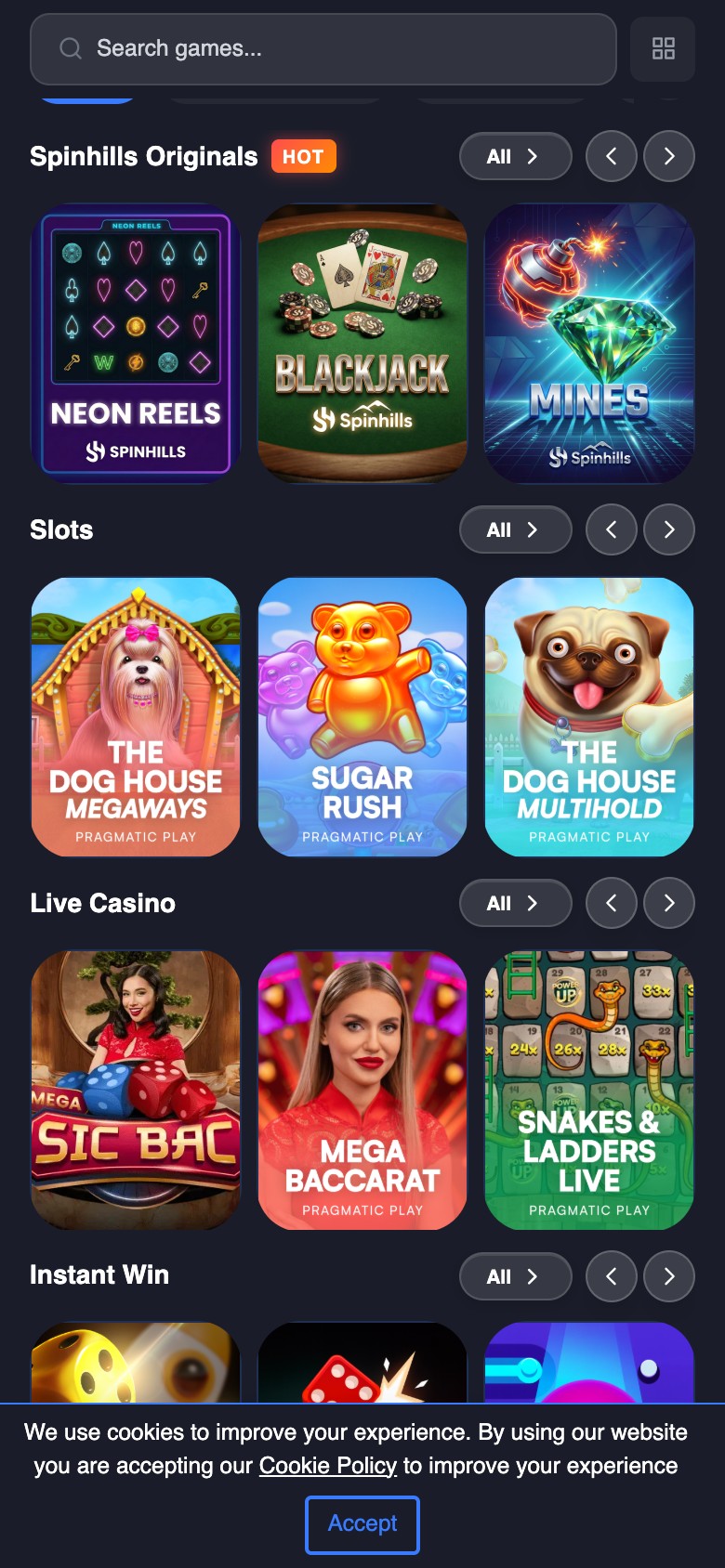
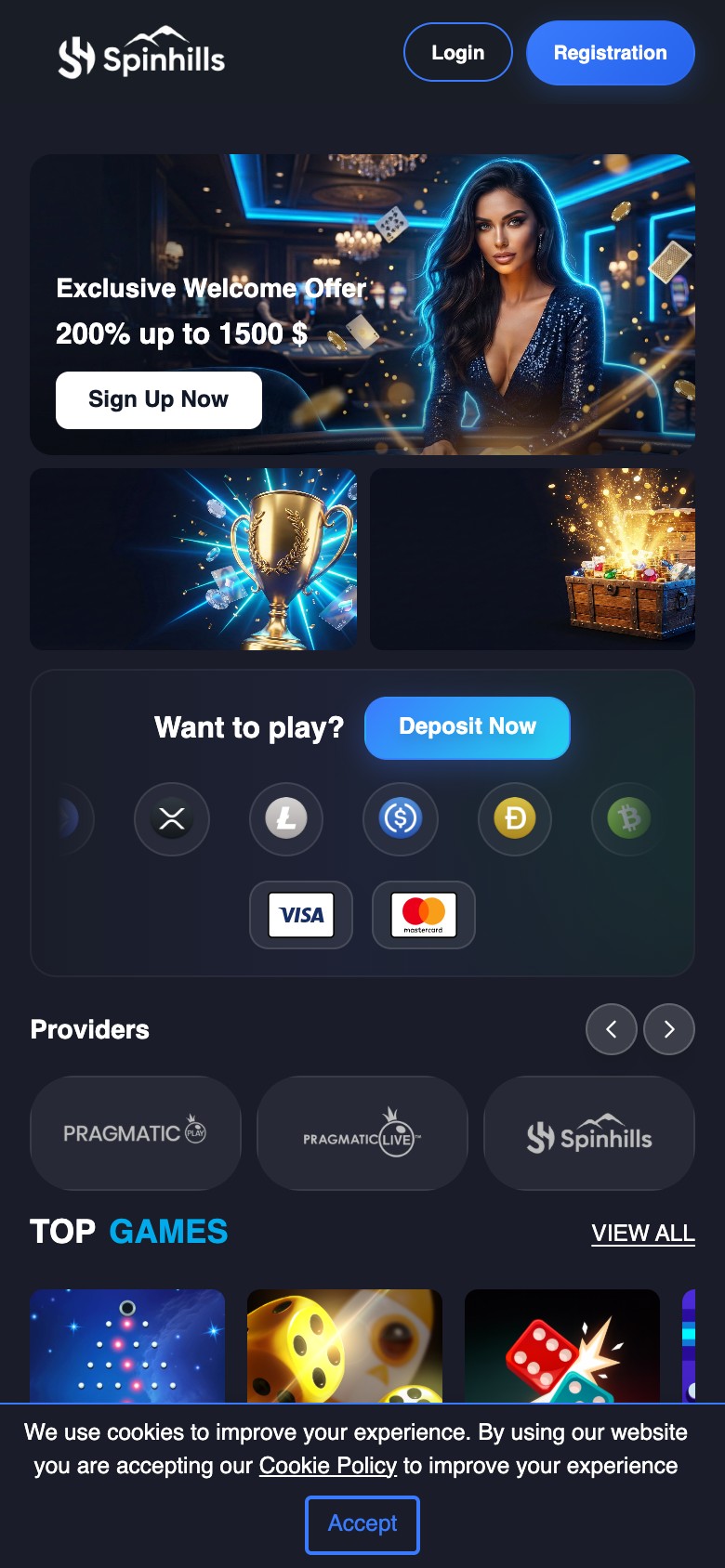
Instant Install
No app store required
Secure & Safe
Encrypted connection
Native Feel
Full screen, no browser
Push Alerts
Bonus & promo updates
Install in seconds
Select your platform for step-by-step instructions
1
Open Safari
Visit demo.com in Safari on your iPhone or iPad. Make sure you use Safari — the share button is only available there.
Bottom of Safari
2
Tap the Share button
Tap the Share icon at the bottom — it looks like a box with an arrow pointing upward.
Scroll down → "Add to Home Screen"
3
Tap "Add"
A dialog appears with the app name. Tap "Add" in the top right corner to confirm.
Cancel Add to Home Screen Add

Demo
demo.com
Tap "Add" in top right
You're all set!
The Demo icon is now on your home screen. Tap it to launch the full app — no browser needed.
Demo app installed successfully
1 / 4